Free live chat: what does it really cost?
Free live chat sounds like a no-brainer. But free tools earn their money somewhere. Here is what to check before you choose.
 uWebChat Team··3 min read
€0
for 1 agent, no time limit
€3
per agent per month for video
0
extra dashboards: you work in Teams
Grow at your own pace
Start free, pay only when you grow
Prices per agent per month. Visitors are unlimited on every plan.
Free · 1 agent
Basic · €3 · video
Pro · €15 · WhatsApp
Enterprise AI · €25
The fine print
How you pay for free
Their logo on your site
Many free widgets show the vendor’s branding. Removing it often costs a monthly fee, at tawk.to around $29 per month.
Paid add-ons
AI, extra features and real support are often paid extras on top of the free chat.
Your conversations
Chats are stored in the vendor’s database, sometimes outside the EU. Check where.
Another dashboard
One more tool to log in to and keep an eye on. Chats that nobody sees are missed customers.
What you get for free
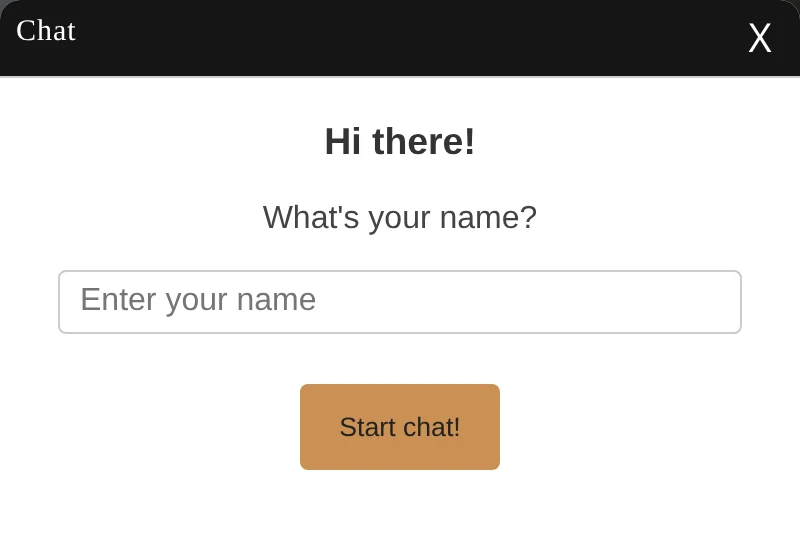
Live chat on your own domain
One agent, live web chat on your business domain, interactive cards and reminders for idle chats. No credit card and no end date.
No extra tool
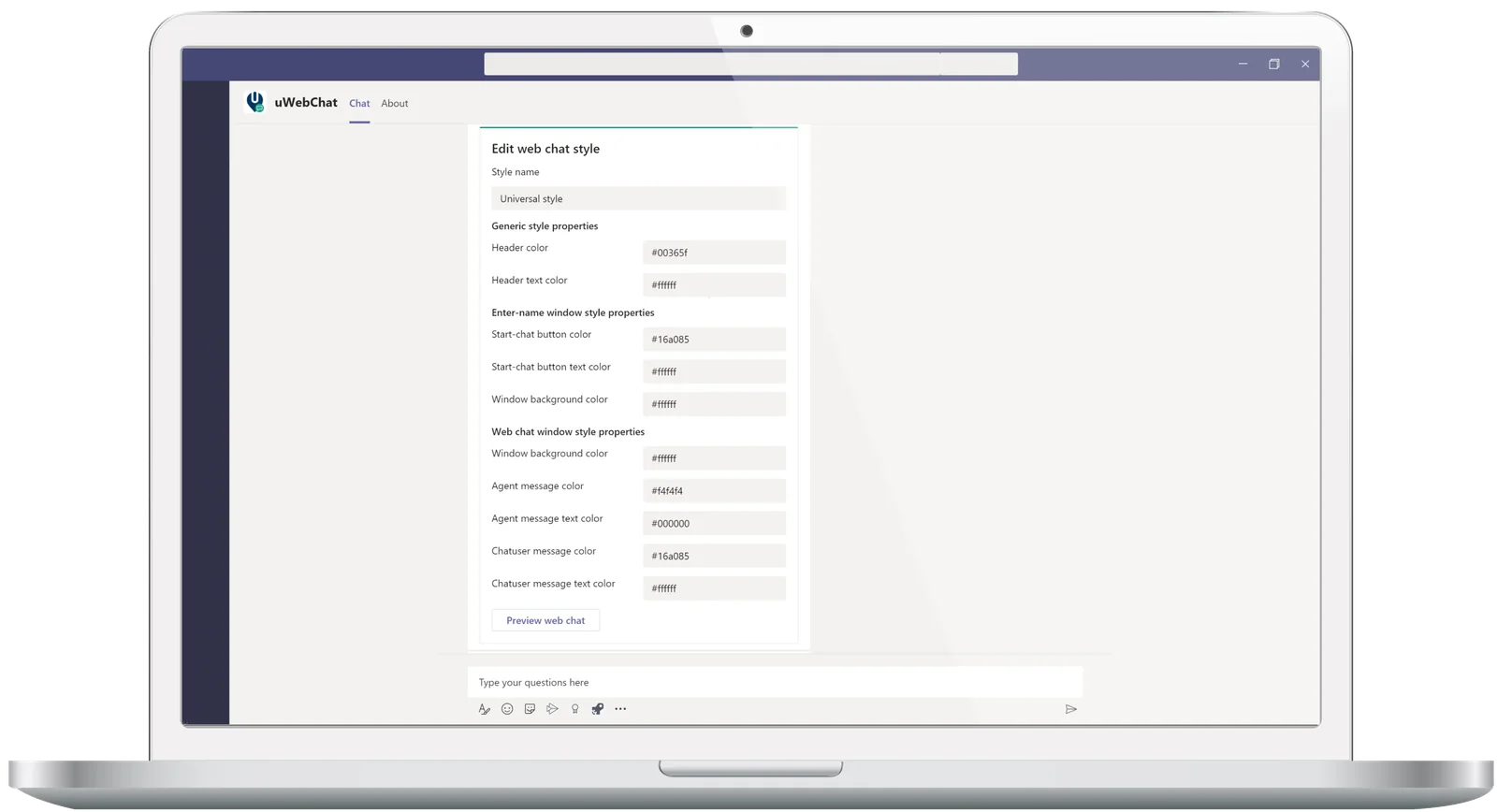
Answer from Microsoft Teams
Chats arrive in Teams, where your team already works. Nothing new to learn, and conversations stay in your own Microsoft 365 environment.
A typical free chat tool versus uWebChat free
Typical free chat tool
- Paid add-on to remove the vendor’s branding
- Conversations stored by the vendor
- Separate dashboard or app for agents
- AI and extra features as paid add-ons
uWebChat free
- Free for 1 agent, no credit card, no end date
- Conversations stay in your own Microsoft 365
- Agents answer in Microsoft Teams
- Same GDPR-friendly architecture on every plan
Ask these questions before you choose
- What does my visitor see on the widget?
- Where are conversations stored, and in which country?
- What does a second agent cost?
- Which features are behind a paywall?
- Does my team need to learn a new tool?
- Can I cancel monthly?
“Free is a great place to start. Just know what you will pay later, and with what.”
Frequently asked questions
Is uWebChat really free?
Yes, for 1 agent. The free plan includes live web chat on your business domain, interactive adaptive cards and reminders for idle chats. No credit card and no time limit.
What are the hidden costs of free live chat?
Usually not the chat itself, but what comes with it: a paid add-on to remove branding, paid AI or extra features, your conversations in the vendor’s database, and one more dashboard for your team.
When do I need a paid plan?
When you add a second agent, or need features such as video calls (Basic, EUR 3), WhatsApp and multi-chat (Pro, EUR 15) or the AI assistant and real-time translation (Enterprise AI, EUR 25). Prices are per agent per month.
Can I cancel a paid plan at any time?
Yes. Plans are monthly with no long-term contract. You upgrade, downgrade or cancel from your Microsoft 365 admin center.
Start with free live chat in Microsoft Teams
Free for 1 agent, without a credit card. Upgrade only when you need more.
Try uWebChat for free